
How To Register on Wakafixam App
Wakafixam is a service marketplace designed to connect households with trusted, verified artisans and home service professionals. It takes the stress out of finding reliable handymen by letting users post jobs, compare artisans, set budgets, chat, and pay securely, all within one app.
The goal is to eliminate unreliable referrals, unclear pricing, and poor workmanship by ensuring accountability through ratings and reviews.
Wakafixam has 3 types of users;
Households: Individuals or businesses needing quick, reliable access to skilled professionals for repairs and maintenance services.
Artisans/Service Providers: Skilled professionals (carpenters, painters, hairstylists, caterers, bakers, etc.) looking to find more clients in their vicinity and location per time.
Merchants: Vendors offering repair and maintenance products (electrical, plumbling, tiles, water closets etc) who want to reach a targeted audience of households and artisans, showcase your goods, and manage orders seamlessly.
For households, Wakafixam makes everyday fixes and services simple. Whether it’s plumbing, electrical work, carpentry, auto repairs, cleaning, or appliance servicing. Users can:
Post a job in minutes.
Set their budget and timeline.
Compare multiple artisans nearby.
Pay securely via escrow.
Rely on verified professionals with ratings and reviews.
You get peace of mind and convenience, knowing that skilled help will show up and get the job done without delays or stress.
Here's a step by step guide on how to signup on Wakafixam:
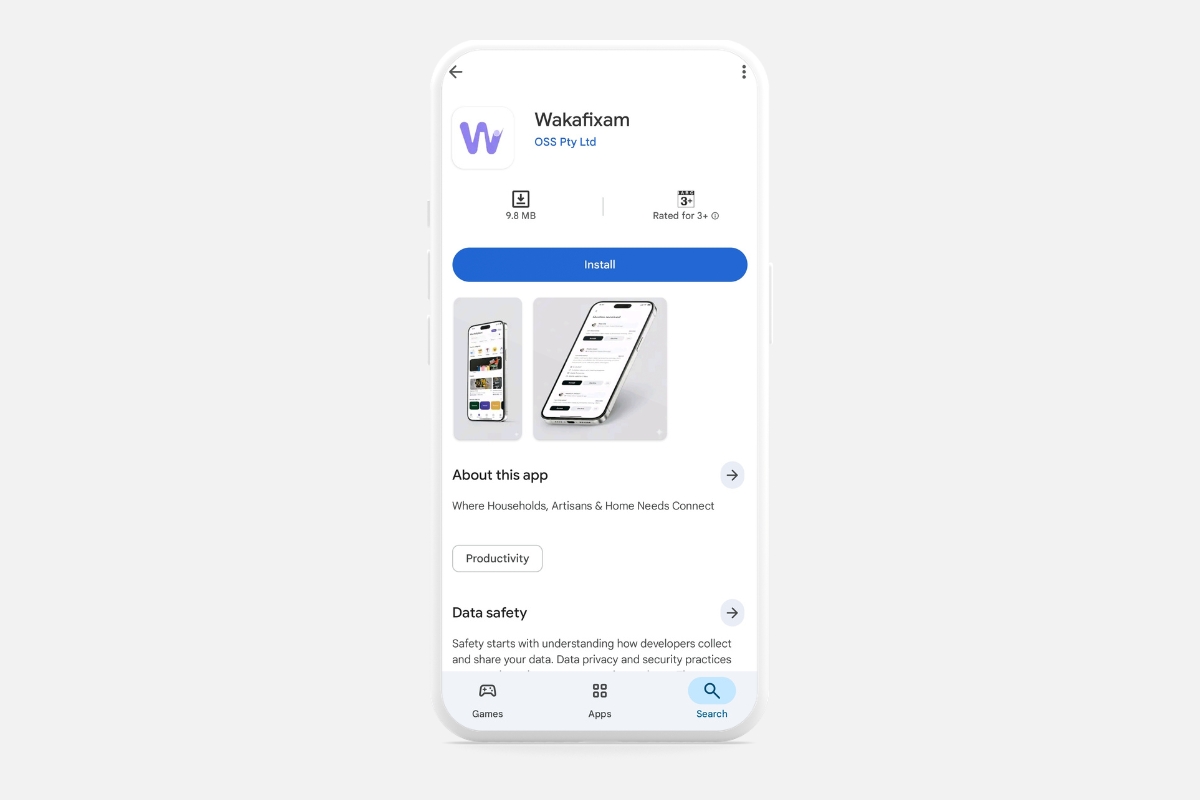
STEP 1. Download Wakafixam on Playstore or Appstore: You can visit www.wakafixam.com to get the download link or you can search directly on the Appstore and Playstore.
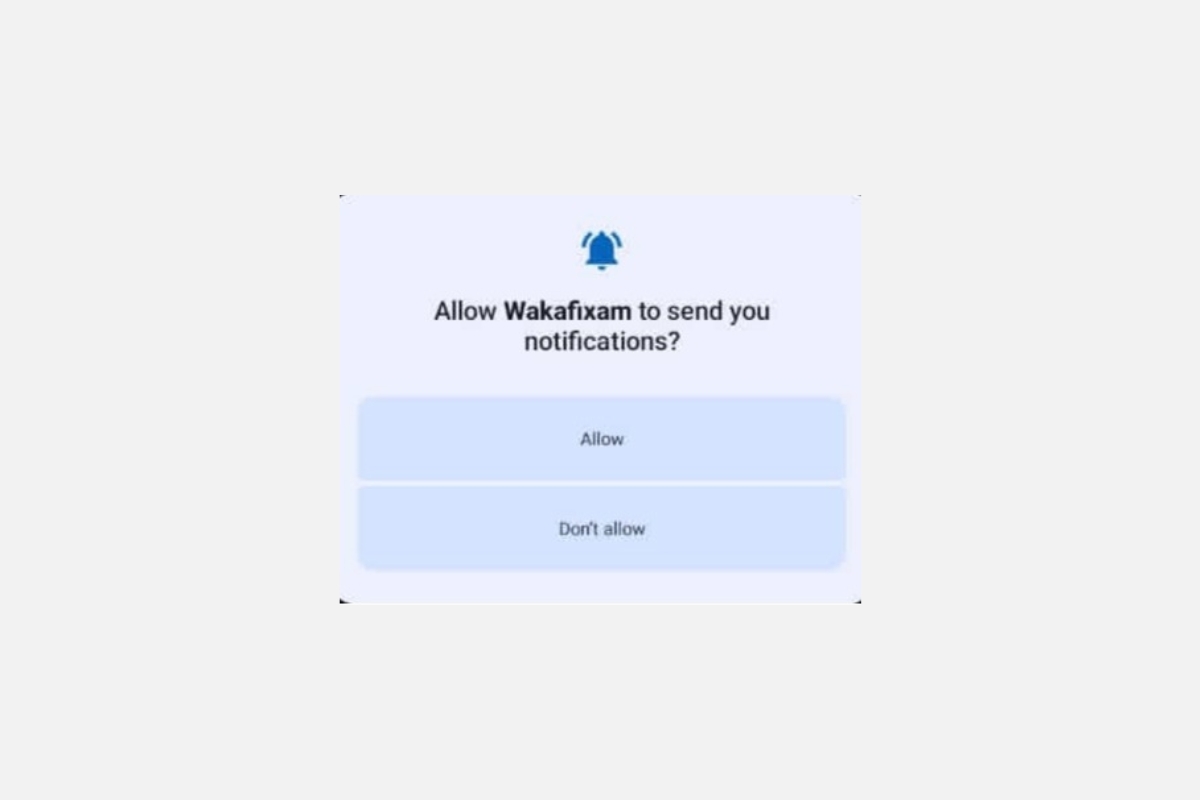
Note: It's important to allow notification. When notifications are allowed, households receive instant alerts when an artisan or service provider accepts their quote or responds to a request. If notifications are disabled, you may miss timely updates and risk delays in getting the help you need.
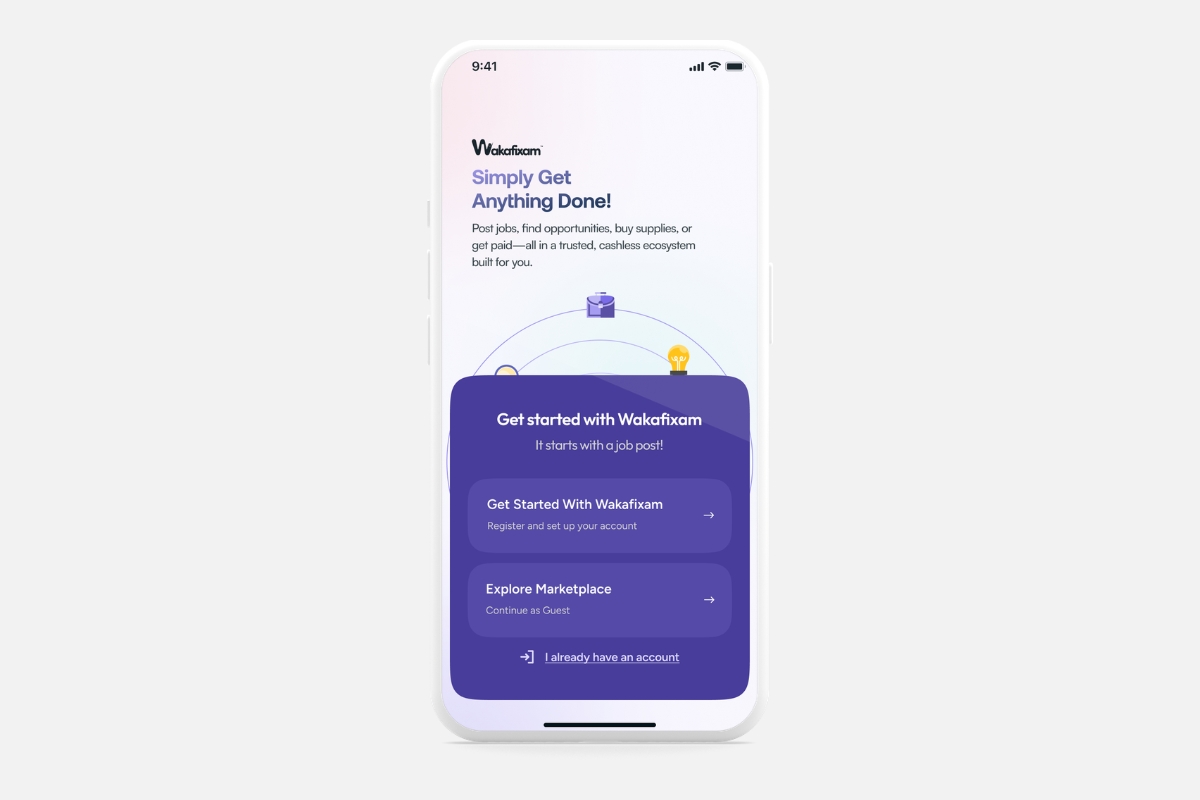
STEP 2. Create Account: Tap “Register” and begin setting up your household account.
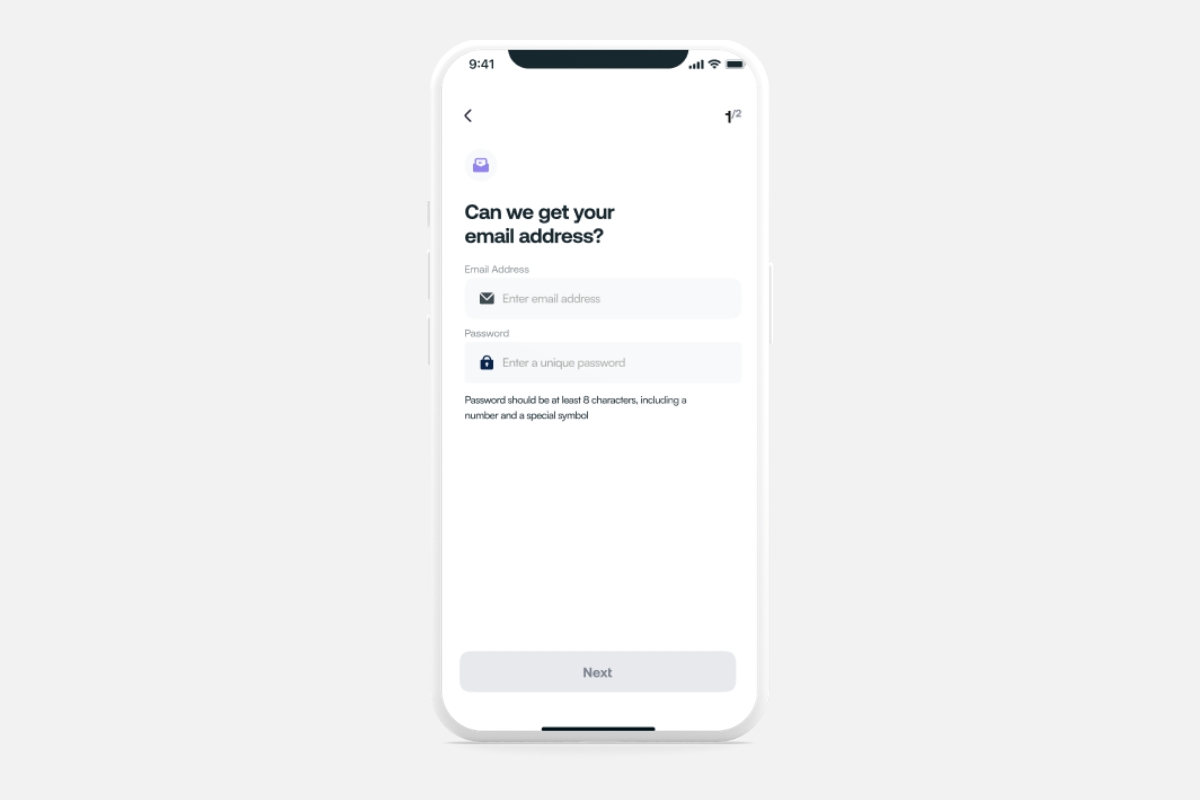
STEP 3. Fill in Email and Password: Enter a valid email and a secure password to protect your account.
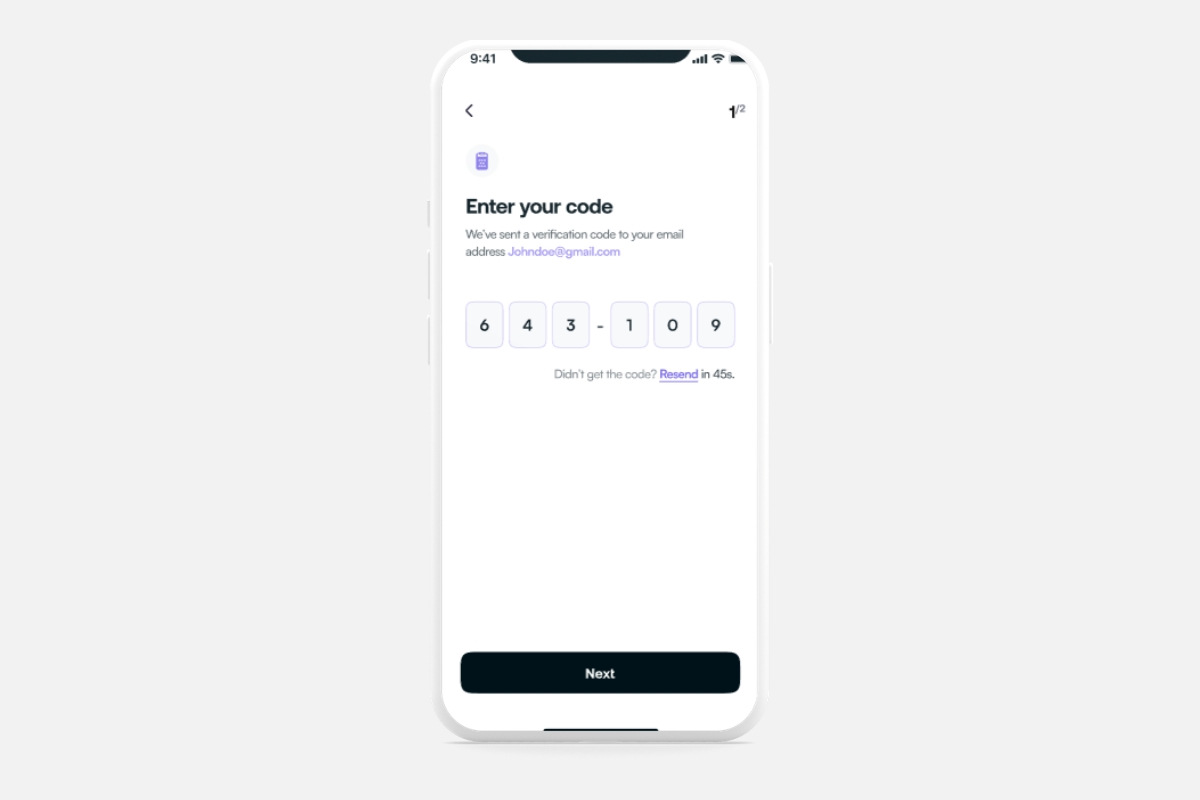
STEP 4. Enter the Code Sent to Your Email: Check your inbox and input the verification code to confirm your email.
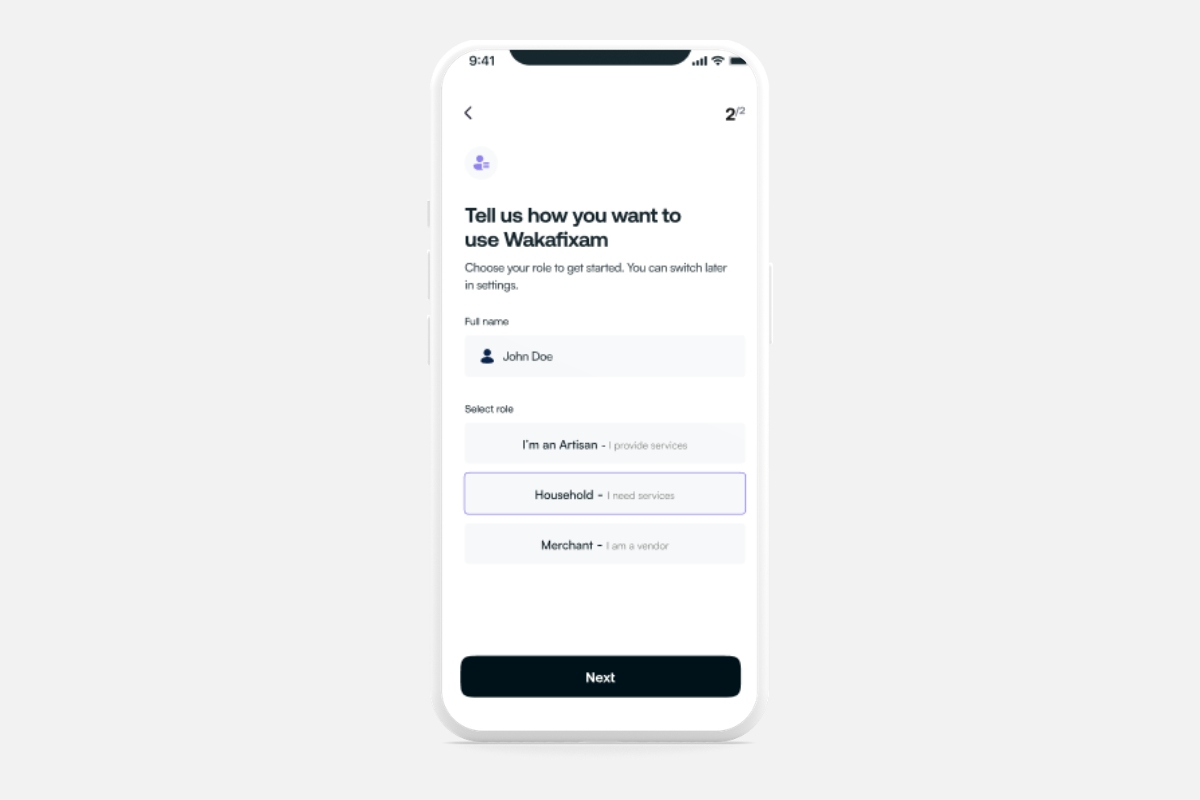
STEP 5. Select Your Role - Household: Choose “Household” so you can access artisan services tailored to your needs.
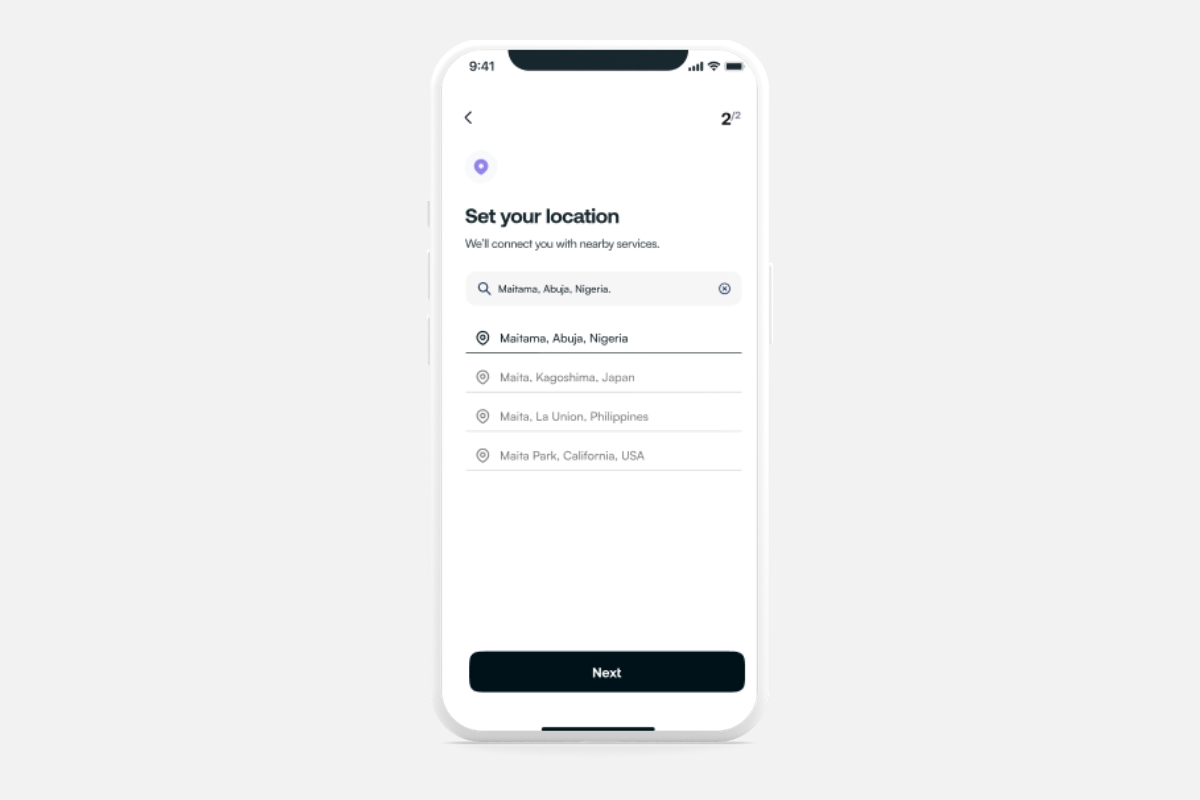
STEP 6. Set Your Location: Add your location to connect with artisans available in your area.
STEP 7. Congratulations: Your household account is ready — start booking trusted services today!